

Design as Play: Growing a Community Through Weekly Creative Battles
Product Designer – Community
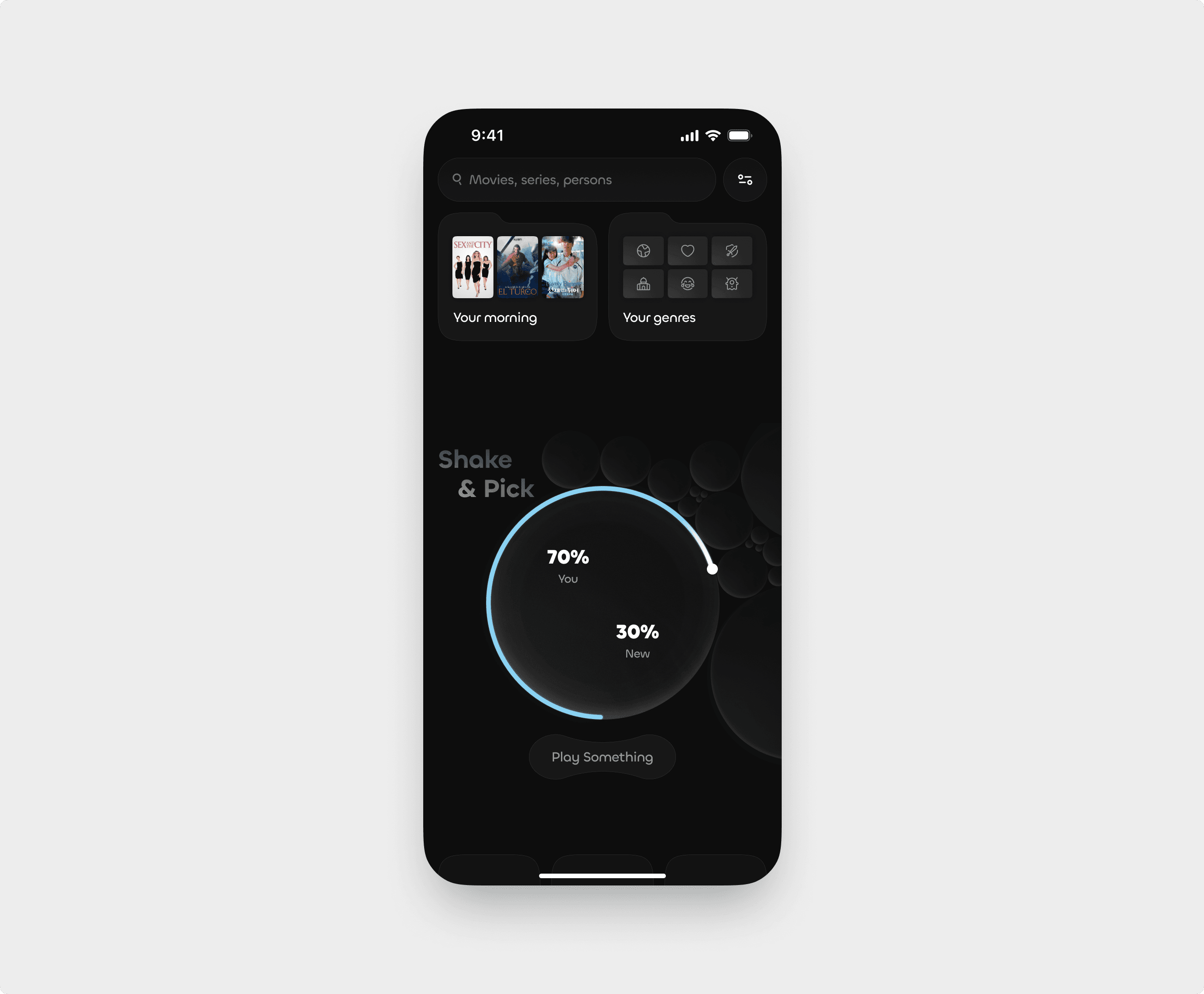
Cold Search Screen
Spark discovery before you type
Our cold search concept for a mobile cinema app tackles that dreaded blank search moment by surfacing your go-to content before you even type—morning mood picks before noon, evening favorites after sunset—alongside a personalized genres carousel. A playful Shake & Pick tumbler lets you dial your “recommendation confidence,” shake your phone, and instantly get a tailored suggestion, while a one-tap Play Something button cuts straight to viewing. This design slashes friction, sparks immediate engagement, and turns “what should I watch?” into a delight.
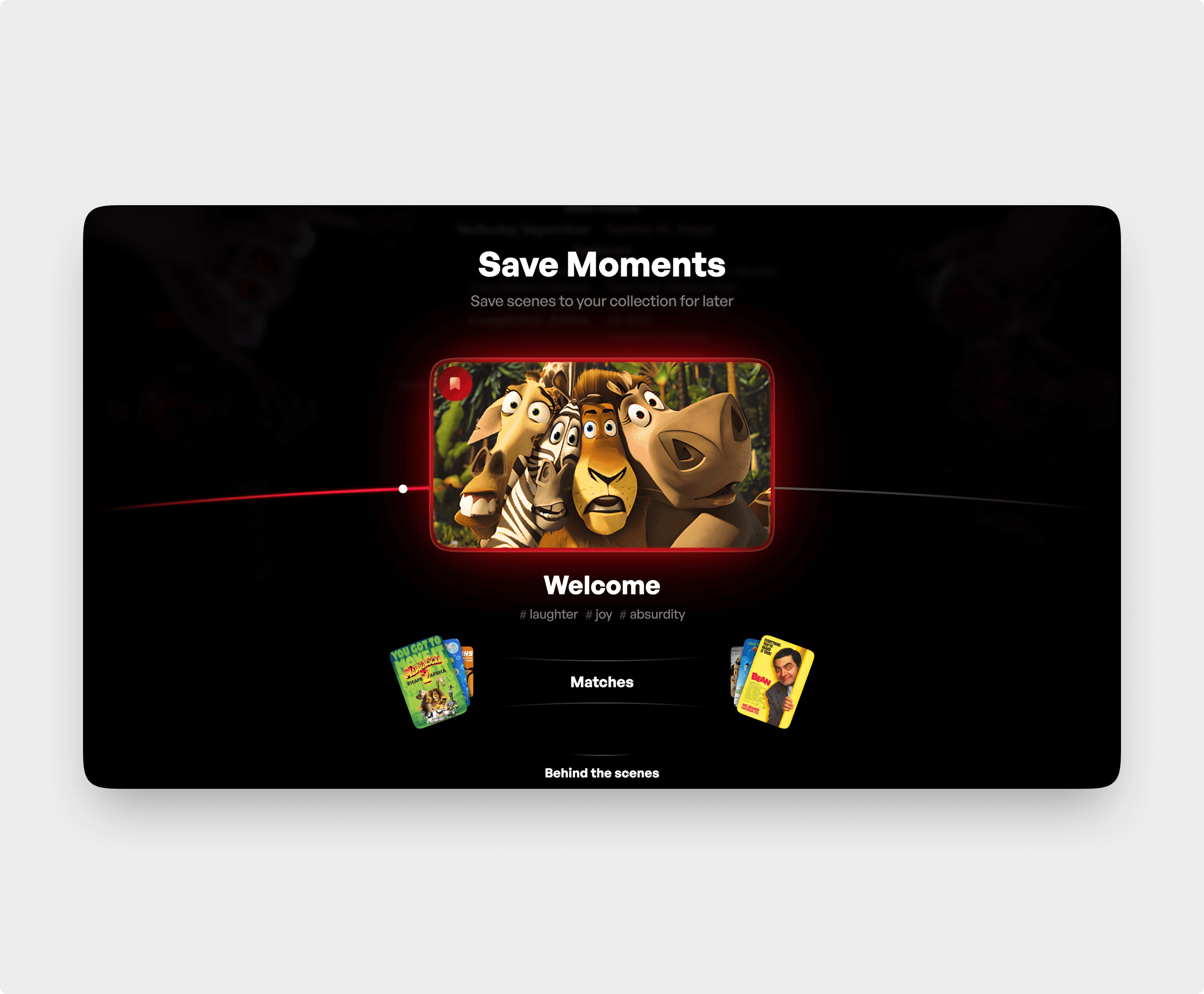
Post-Viewing Screen
Turning endings into new beginnings
We seized the reflective pause at a film’s end by surfacing a “Save Moments” carousel of standout scenes to bookmark in one tap, followed by mood-driven Matches and optional Behind the Scenes extras. By appearing seamlessly as credits roll, this screen deepens engagement, drives follow-on viewing, and reframes the finale not as an exit but as the start of a personalized content journey.
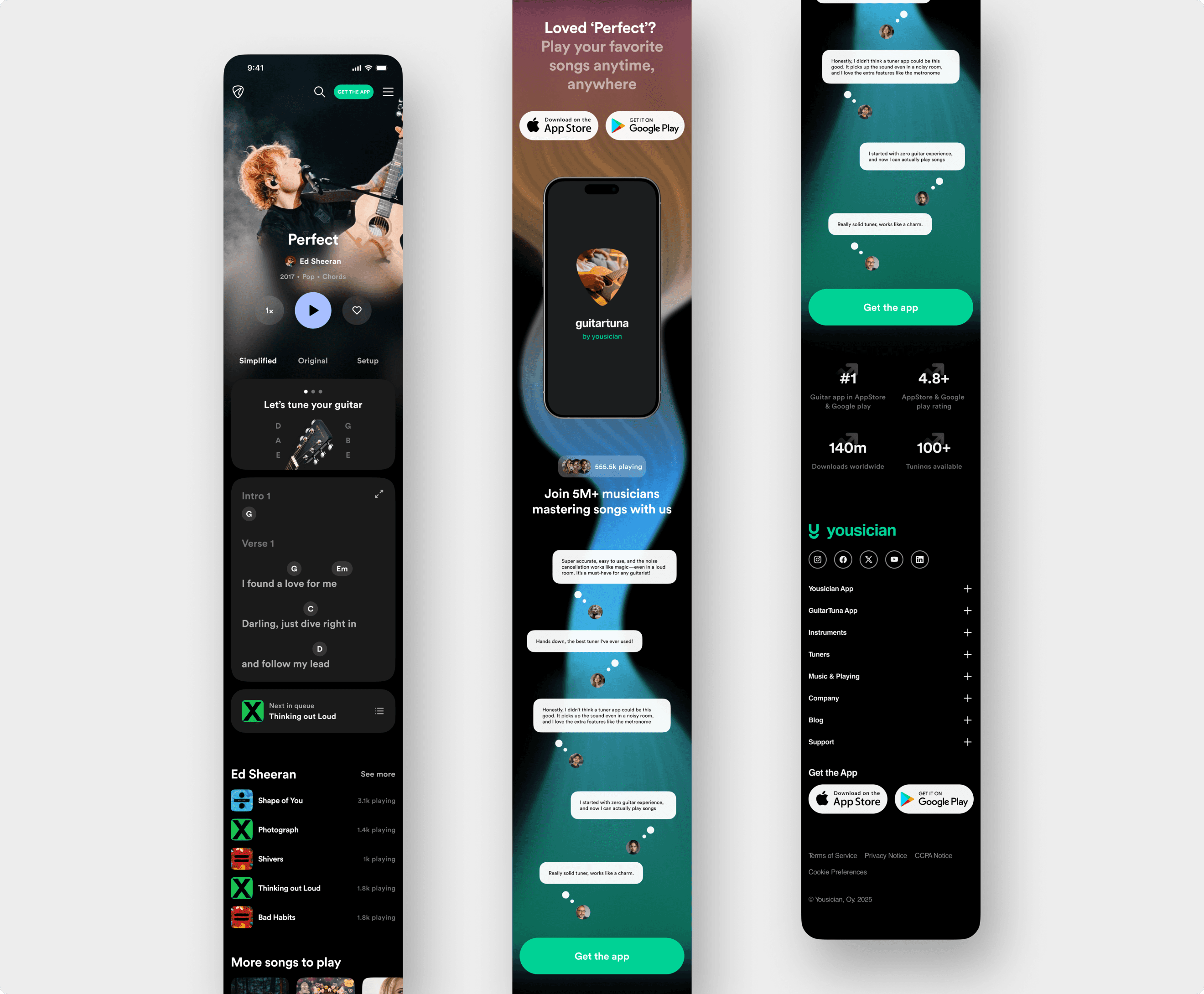
Yousician Mobile Redesign
Beginner-first chord learning
Our Yousician redesign centers full-screen lyrics with inline chords and a simplified/original toggle, so newcomers focus on playing, not hunting menus. Instant chord diagrams, one-tap transposition with capo-free fingerings, and auto-scroll controlled by tempo or voice commands keep hands on the guitar. A persistent queue widget and smart “What’s Next” picks guide exploration, while built-in App Store and Google Play CTAs at peak engagement drive downloads—resulting in faster learning, higher retention, and a smoother path from discovery to mastery.
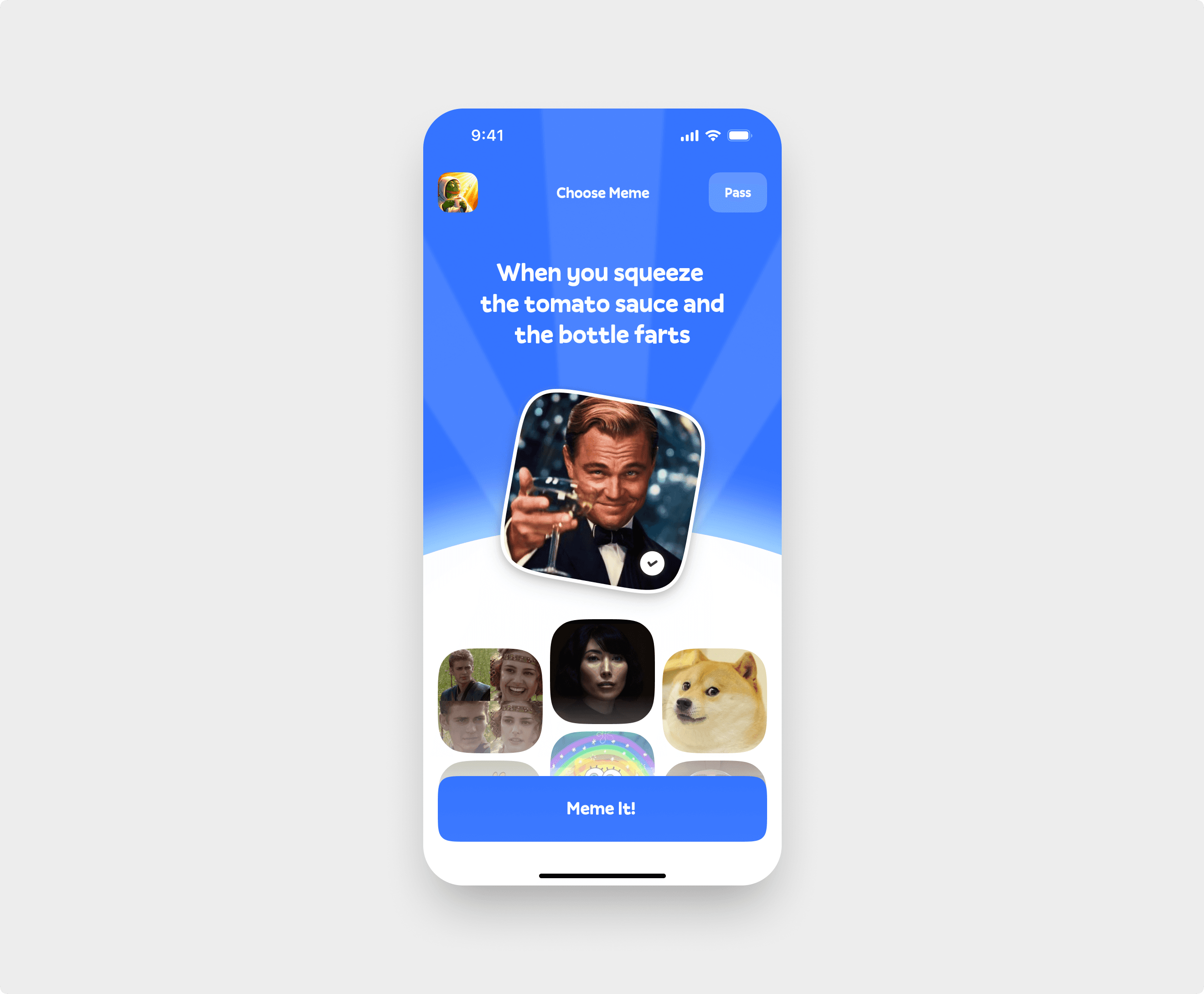
Meme Card Selector
What Do You Meme
A bright, playful interface that puts the fun front and center. The prompt appears at the top, with seven meme cards arranged below in an intuitive, tap-to-select layout. Players can instantly meme it, skip the round, or check their stats—all in a smooth, zero-friction flow designed to be clear even for first-time users.
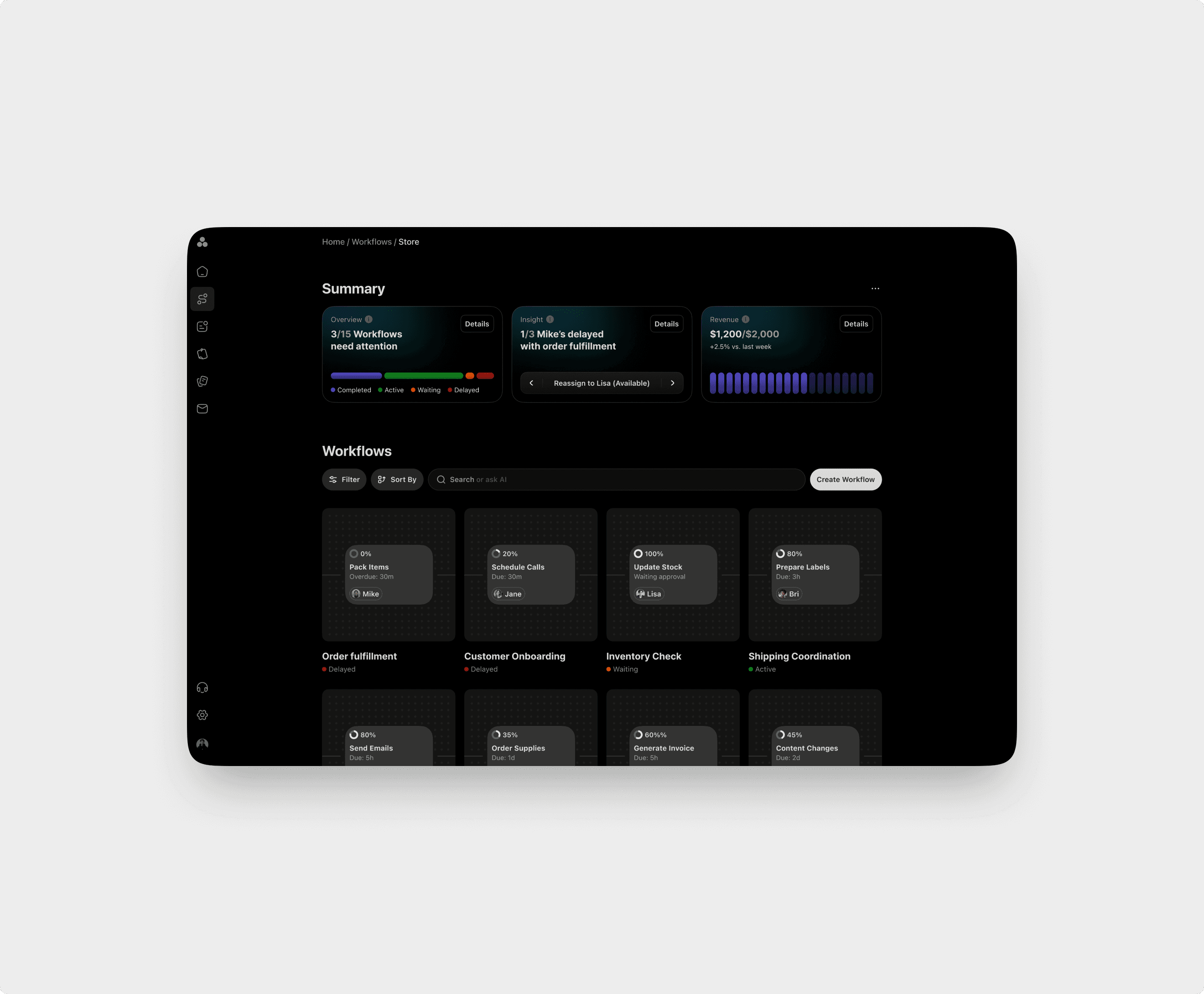
Workflow Canvas
Rethinking task orchestration
This new workflow concept turns a static blocks-and-links schematic into a living canvas where tasks glide through processing nodes like packages on a high-visibility conveyor. Non-technical small business owners gain real-time status updates, clear ownership, and AI-powered alerts that flag delays before they happen. By transforming operational chaos into crystal-clear flow, it slashes coordination overhead and empowers teams to focus on growth and delighting customers.